
8 minute read
What Does Managed IT Actually Cost?
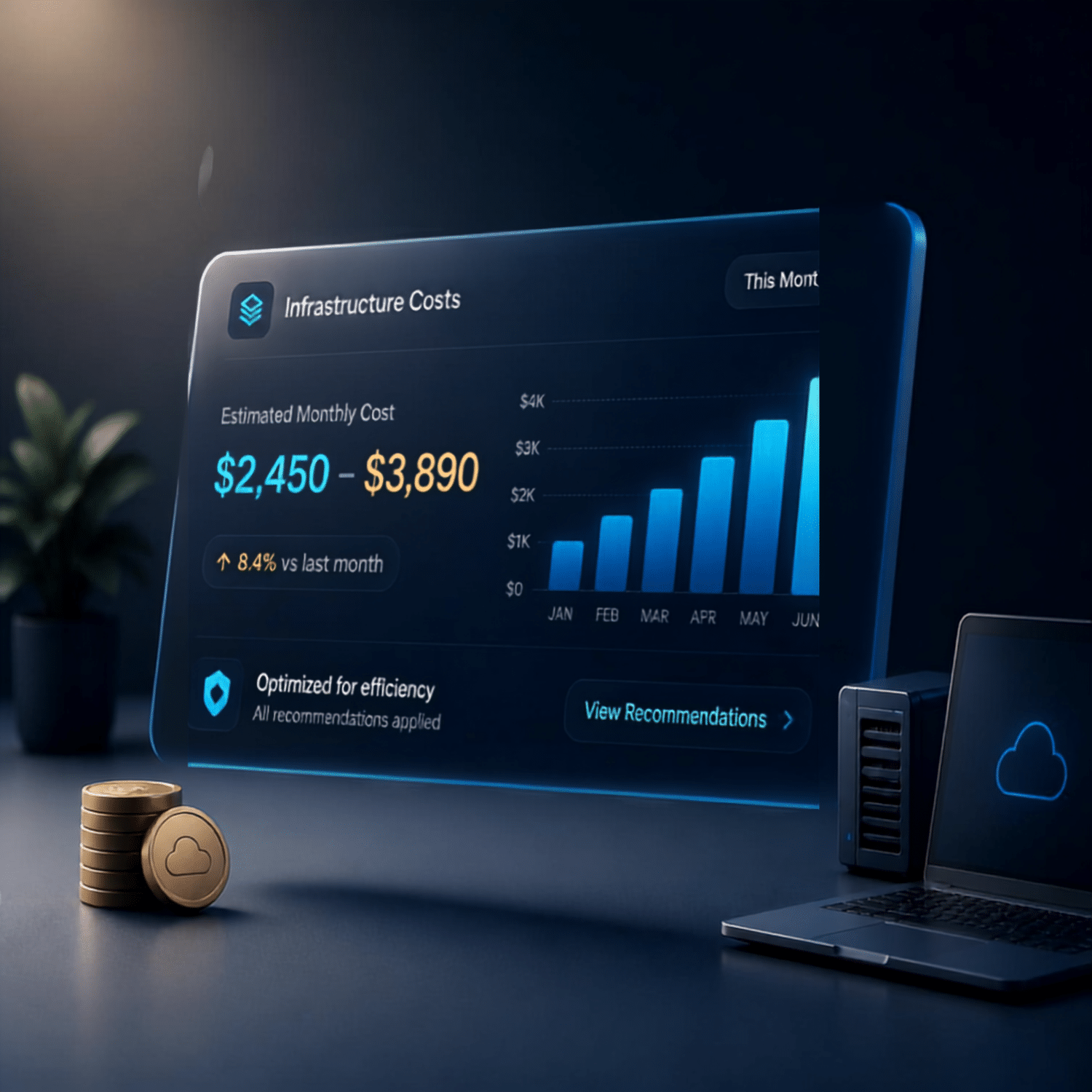
What managed IT actually costs, the honest version.
Search “how much does managed IT cost” and you’ll get a wall of “it depends” and a form to fill out. Frustrating, and only half-dishonest. It genuinely does depend, but that’s often an excuse to avoid a real conversation.
So here’s the honest version, including the parts most providers skip. And if you’d rather just see a number for your own setup, we built an estimator that gives you one in a couple of minutes, no sales call required. More on that below.
The short version
- Managed IT is a predictable monthly fee. The core of it scales with the devices you need covered, your workstations and servers.
- The base number matters less than what’s inside it. A cheap quote often means security, backups, and other essentials are billed extra.
- The cheapest quote is rarely the cheapest arrangement. Compare what’s included, not the headline price.
How managed IT is priced
Underneath the different models and packages, most managed IT pricing comes down to a few straightforward inputs.
The devices you need covered
Your workstations and servers are the core of any estimate. They’re what a provider actively monitors, patches, secures, and supports, so the count of each is the biggest driver of your monthly number.
Fully managed or co-managed
Whether a provider runs your entire IT environment, or supports and extends an internal team you already have, changes the shape of the cost. Same devices, different level of hands-on ownership.
The add-ons you layer on
Cybersecurity, backups, managed WiFi, and managed firewall stack onto the base. Most are tied to your environment, though a couple, like security awareness training and Microsoft 365 backup, are priced per user, since they protect people and mailboxes rather than machines.
What drives the number up or down
- How many workstations and servers. The foundation of the estimate. More devices to manage, more it costs.
- Fully managed or co-managed. Running everything costs more than backing up a team you already have. Neither is “better,” they’re built for different situations.
- What’s included versus extra. The big one. A low base number often means cybersecurity, backups, or after-hours support are billed separately. A higher number that includes them can be the cheaper deal once the “extras” land.
- Your security and compliance needs. A general contractor and a medical practice have very different requirements. Regulated industries cost more because they demand more, and it’s not optional.
- The state of your environment. Neglected, out-of-date systems cost more to take on, because someone has to clean up the backlog before things run smoothly.
- Response expectations. Guaranteed fast response and after-hours coverage cost more than best-effort during business hours. Fair, but know which you’re buying.
The trap: comparing the wrong numbers
The cheapest quote is almost never the cheapest arrangement. A low base fee with security, backups, and project work billed on top can quietly cost more than a higher all-in price, and you find out through surprise invoices at the worst possible moment.
When you compare providers, don’t compare the headline number. Compare what’s inside it. Ask what’s included, what’s extra, and what a typical month actually bills out to once the “extras” are counted. A provider who won’t answer that plainly is telling you something.
What “cheap” often hides
Cybersecurity, backups, and after-hours support billed separately, so the real monthly total lands well above the quote.
What to compare instead
The all-in monthly cost for your actual scope. Included versus extra, drawn clearly, before you sign anything.
Want a real number for your business?
Ranges only get you so far. Your business isn’t a template, so we built a managed IT cost estimator that turns your setup into a realistic monthly range on the spot. No waiting on a quote, and no sales call to see it. Here’s all it takes:
Pick your model
Fully Managed IT, where we run everything, or Co-Managed IT, where we support and extend your existing team.
Enter your workstations and servers
Just the count of each. That’s the core of the estimate and the biggest driver of your number.
Add what you need
Layer on the pieces that apply: cybersecurity, security awareness training, managed WiFi, managed firewall, server backup, and Microsoft 365 backup for Teams, SharePoint, Exchange email, and Entra ID.
See your range
Enter your contact details to unlock a monthly ballpark built on our actual service rates, not made-up numbers. We follow up to firm it up when you’re ready.
It’s a range, not a hard quote, and that’s the point. It’s built for budgeting, so you know the ballpark before we ever talk. Most MSPs hide their pricing and force a sales call to get a number. We’d rather just give you one.
These numbers are for budgeting only and don’t reflect Decision Digital’s final or custom pricing. Setup, security depth, and support scope shape your actual cost.
Estimate your managed IT costSo what should you actually expect to pay?
Any honest answer comes with a range and a caveat, because your business isn’t a template. What you can expect is this: a predictable monthly cost that scales with your devices and your needs, no surprise invoices when something breaks, and a clear line between what’s covered and what’s a separate project. If a provider can’t draw that line clearly before you sign, that’s your answer about how billing will feel later.
The goal isn’t the lowest number. It’s predictable IT spend that prevents the expensive disasters, downtime, breaches, data loss, that cost multiples of whatever you’d have saved shopping on price alone.
Frequently asked
How is managed IT priced?
As a predictable monthly fee. The core scales with the devices you need covered, your workstations and servers, plus whether you want fully managed or co-managed support and any add-ons you layer on.
Why is the cheapest quote often not the cheapest option?
Because a low base fee frequently excludes cybersecurity, backups, or after-hours support. Once those “extras” are billed, the real total can land above a higher all-in price.
What’s the difference between fully managed and co-managed IT?
Fully managed means we run your entire IT environment. Co-managed means we support and extend the internal team you already have. Which one you choose is one of the biggest factors in your monthly cost.
Can I get an estimate without a sales call?
Yes. Our managed IT cost estimator gives you a monthly range from a few questions about your model, your workstations and servers, and the services you need, all built on our actual rates. No sales call required to see it.
The bottom line
Managed IT costs what it costs because it’s replacing a real function your business needs, done right and done consistently. The honest way to shop it isn’t hunting for the cheapest monthly fee. It’s finding a provider who tells you plainly what’s included, what isn’t, and what you’ll actually pay, then delivers on it.
Start with a number. Run your setup through the estimator, then let’s turn that ballpark into a straight answer for your specific business.
Latest Posts
Loading latest posts…