
7 minute read
Will an AI Agent See Everything in My Business?
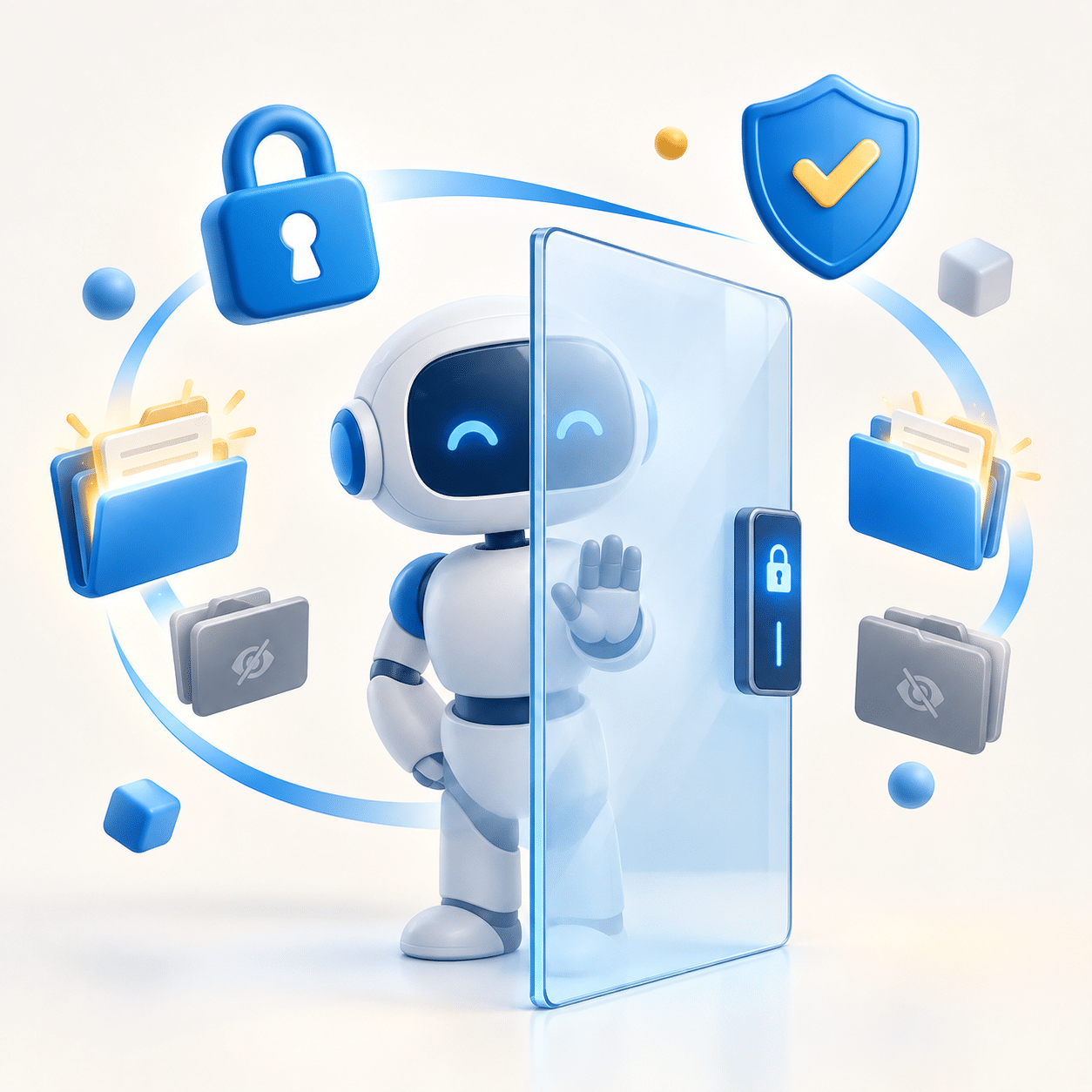
Short answer: no. It sees what you let it see.
A properly deployed AI agent only sees what you allow it to see, the same way a new employee only gets the keys, logins, and folders you choose to hand them. It doesn’t get automatic access to everything, it doesn’t secretly copy your data, and it doesn’t share what it learns with the outside world.
The catch: that’s only true when it’s set up correctly. Deployed carelessly, an agent can surface more than it should. Which is exactly why how you deploy it matters more than which tool you pick.
The short version
- An agent only sees what you connect it to. Not your whole business, just the systems you hand it, on purpose.
- Business-grade keeps your data yours. It stays in your environment, not fed to public chatbots or outside models.
- The risk isn’t the AI being nosy, it’s a sloppy setup. Get the permissions right and it’s as safe as a well-managed employee.
What an AI agent can actually access
An AI agent isn’t magic and it isn’t a spy. It can only reach the systems and data you deliberately connect it to. Plug it into your customer records and your Microsoft 365 environment, and it can work with those. Don’t connect it to your accounting system, and it has no idea that system even exists.
Think of it like onboarding a new hire. On day one you decide which apps they log into, which folders they can open, which clients they can see. An agent works the same way. Its access is a set of permissions you control, not a free pass to your whole business.
Does the agent share my data with the outside world?
This is the fear under most of the others, so let’s be direct: with a properly configured business-grade agent, your data stays inside your environment, often the same Azure tenant your other business systems already run in. It isn’t dumped into a public chatbot, it isn’t used to train some giant model, and it isn’t visible to other companies.
The key phrase is business-grade. Free public AI tools and enterprise-deployed agents are not the same thing, and the difference is exactly this: where your data goes and who controls it. Any vendor worth hiring should be able to tell you, in plain English, where your data lives and where it doesn’t.
Can an employee use the agent to see things they shouldn’t?
Here’s the part most people don’t think about, and the one that actually bites businesses. An agent respects the permissions you give it, but you also have to control who can ask it questions.
If everyone in the company can query an agent that can read payroll, then everyone can effectively see payroll. The fix isn’t complicated, but it has to be deliberate: the agent’s access and each user’s access both need boundaries, set before you turn it on. This is the same access-control discipline that good cybersecurity already runs on. Done right, the agent honors the same “who’s allowed to see what” rules your business already uses.
What about compliance and regulated data?
If you’re in finance, healthcare, defense contracting, or anything with real compliance weight, this stops being optional. “The AI told me” is not a defense in an audit.
The good news: a properly deployed agent can actually strengthen your compliance posture. It forces you to define permissions, document who sees what, and lock down your data, the exact things auditors ask about anyway. But this only holds when it’s built for it from the start. This is not the place for a DIY weekend project.
So how do I make sure my agent is safe?
Control what the agent can access
Connect it only to the systems it needs for the job you’re actually solving. Nothing more.
Control who can use it
Match each person’s agent access to what they’re already allowed to see. The agent should never become a back door around your existing permissions.
Work with someone who does this deliberately
Most data mishaps aren’t the AI’s fault. They’re a setup that skipped the boundaries. The safeguard is a partner who sets those boundaries on purpose.
The bottom line
An AI agent doesn’t see everything. It sees what you let it see, no more, no less. The risk isn’t the technology being nosy; it’s a sloppy setup that never defined the boundaries in the first place. Get the permissions right and an agent is no more of a security risk than a well-managed employee, and a lot better at answering questions fast.
The real risk
Not a nosy AI, but a rushed deployment that never set boundaries. That’s where data ends up somewhere it shouldn’t.
The safeguard
Deliberate setup. Defined permissions for the agent, matching permissions for your people, and a partner who does both on purpose.
Frequently asked
Can an AI agent access all my company’s data?
No. It can only access the systems and data you specifically connect it to. Everything else stays out of reach.
Does an AI agent share my business data publicly?
A properly configured business-grade agent keeps your data inside your environment. It isn’t fed to public chatbots or used to train outside models. Free public AI tools are a different story, which is why the deployment matters.
Can employees use an AI agent to see data they’re not allowed to see?
Only if you let them. User access has to be set alongside the agent’s access. Done right, the agent enforces the same permissions your business already uses.
Is AI safe for regulated industries like healthcare or finance?
Yes, when it’s deployed for compliance from the start, with defined permissions, documented access, and locked-down data. It’s not a DIY project in regulated environments.
Deploy AI the safe way
If you want AI working inside your business but you’re worried about what it might expose, that’s the right instinct, and exactly the conversation worth having before you turn anything on. We deploy agents with the boundaries defined up front, so what your AI can see, and who can ask it, is decided on purpose, not discovered after the fact.
Latest Posts
Loading latest posts…